Top 10 Online Proctoring Software FAQs Answered
Are you an assessment company navigating the complex world of online examinations and looking for robust security solutions? The shift toward digital assessments has made online proctoring software an essential tool for maintaining exam validity and academic integrity. Understanding the intricacies of these solutions, from technical requirements to global compliance, can feel overwhelming. This guide answers the top 10 most frequently asked online proctoring software FAQs, tailored specifically for assessment companies evaluating platforms like Proctor360.
1. What exactly is online proctoring software and how does it work?
Online proctoring software monitors candidates during remote examinations to prevent cheating and ensure a fair, credible assessment process. It is essential for professional certifications, licensing exams, and academic credentials delivered outside a physical testing center.
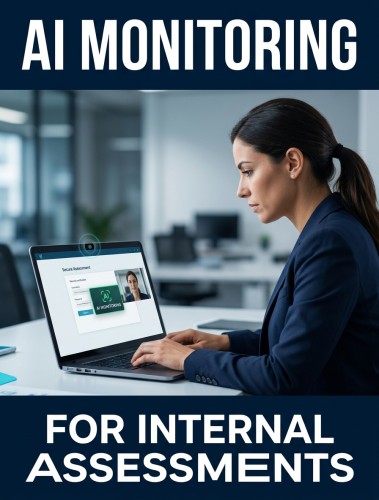
Proctor360 combines webcam monitoring, screen activity analysis, audio detection, and AI-driven behavioral analysis to create a controlled testing environment regardless of where the candidate is located. Three core delivery models are available:
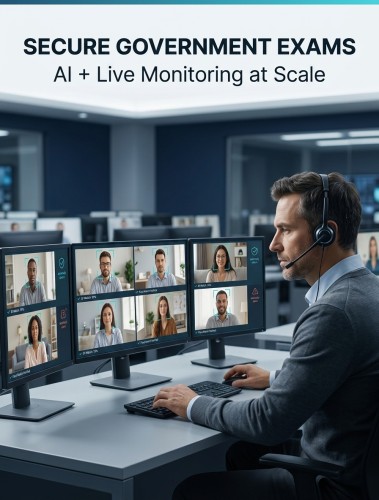
- Live proctoring: A trained human proctor observes the candidate in real time and can intervene immediately if suspicious behavior is detected.
- Automated proctoring: Proctor360's AI engine flags anomalies, such as unusual eye movements, unauthorized voices, or unrecognized objects, for post-exam review by an administrator.
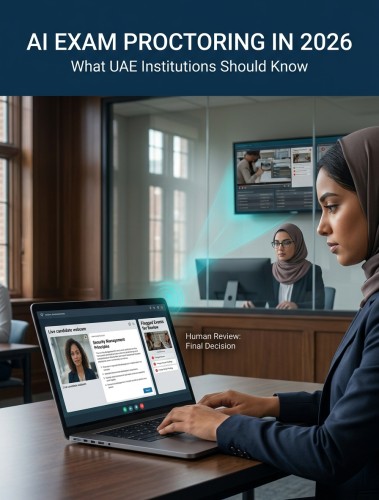
- Hybrid proctoring: AI handles initial detection and flagging while human proctors verify incidents or intervene at critical moments, combining scalability with nuanced human judgment.
2. What are the technical requirements for implementation?
Candidates typically need a stable internet connection, a functioning webcam and microphone, and a compatible operating system: Windows, macOS, or ChromeOS. Modern browsers such as Chrome or Firefox are supported, along with a lightweight Proctor360 browser extension. From the assessment company's side, Proctor360's cloud-based infrastructure manages server capacity and peak load, eliminating the need for on-premises hardware investment.
Before full deployment, pilot testing across a range of candidate environments and internet speeds is strongly recommended. This surfaces technical bottlenecks early and ensures a consistent experience for a diverse user base, including candidates on mobile devices. Proctor360 includes a pre-exam system check tool that allows candidates to verify their setup, including webcam, microphone, browser, and connection speed, before the session begins.
3. How do we integrate Proctor360 with our existing platform?
Proctor360 is built for integration. The platform offers well-documented RESTful APIs and SDKs that allow development teams to embed proctoring functionality directly into existing assessment platforms or Learning Management Systems. Supported tasks include exam scheduling, candidate enrollment, session initiation, and incident report retrieval.
For institutions using Canvas, Moodle, Blackboard, or Brightspace, LTI-based integration creates a native experience within the LMS environment. White-label options are available for organizations that need to maintain consistent branding throughout the candidate journey. Dedicated implementation support is provided throughout the integration phase, and thorough testing in a staging environment before go-live is a non-negotiable step that prevents post-launch disruptions.
4. What security features prevent cheating effectively?
Proctor360 uses a multi-layered security approach that makes circumventing exam monitoring significantly more difficult:
- AI behavioral analysis monitors eye movements, head turns, and keyboard activity for patterns associated with misconduct.
- 360° Total View™ technology provides comprehensive environmental monitoring, including a guided room scan before the session begins.
- Secondary device detection identifies unauthorized phones or tablets in the testing area using AI-powered recognition.
- Face-presence confirmation verifies the candidate at check-in and at intervals throughout the exam.
- Browser extension monitoring restricts copy-paste within the exam window and flags tab switches and access to prohibited browser features during the session.
- End-to-end encryption protects exam content and candidate data both in transit and at rest.
Proctor360 continuously updates its detection algorithms to stay ahead of evolving cheating methods, a critical capability in an environment where misconduct tactics change alongside technology.
5. How much does online proctoring software cost?
Pricing for online proctoring software varies based on the proctoring model, exam volume, and feature requirements. Common structures include per-attempt fees, where each proctored session is billed individually, and subscription models that offer a defined number of sessions or unlimited proctoring over a set period. Volume discounts are standard for assessment companies with high exam throughput.
When evaluating total cost of ownership, look beyond the per-exam fee. Setup costs, integration development, customization, and ongoing support all contribute to the true expenditure. Some vendors charge separately for advanced AI features or specialized reporting. The most effective approach is to request a detailed quote based on your actual annual exam volume and required features. Transparent pricing with no hidden fees is a strong indicator of a trustworthy proctoring partner.
6. How do we ensure global compliance with GDPR, FERPA, CCPA, and other regulations?
Compliance is one of the most complex dimensions of online proctoring software deployment, particularly for organizations operating across multiple regions. Proctor360 is built with global compliance as a foundational design principle:
- GDPR (Europe): Proctor360 supports explicit consent collection, transparent data processing disclosures, data minimization, and the right to erasure.
- FERPA (United States): Student educational records and personally identifiable information are handled in accordance with federal privacy requirements.
- CCPA (California) and PIPEDA (Canada): Regional data handling requirements are accommodated through configurable retention policies and access controls.
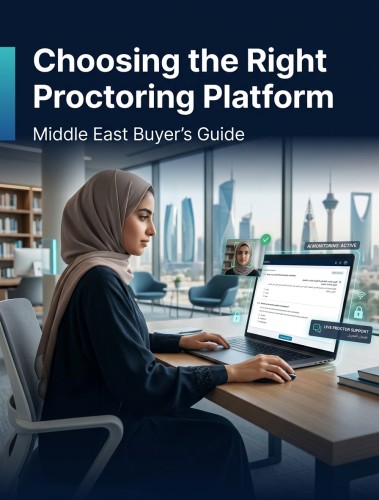
- Middle East and Asia: Proctor360's adaptable framework supports regional data sovereignty laws and offers localized data storage where mandated.
Proctor360 holds ISO 27001 certification, demonstrating a rigorous information security management system. Conducting a data privacy impact assessment before deployment and engaging legal counsel for region-specific requirements is always advisable.
7. Can the solution scale with our growing exam volumes?
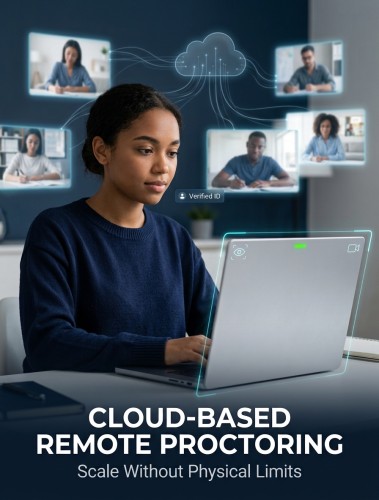
Proctor360's cloud infrastructure is purpose-built for high-volume, high-concurrency scenarios. Whether an institution needs to proctor 500 or 50,000 simultaneous sessions during a finals period or a large certification window, the platform scales dynamically without performance degradation or service interruption.
When evaluating any proctoring vendor, ask about average uptime, service level agreements, and disaster recovery protocols. Proctor360 maintains robust failover systems to ensure continuity during critical assessment windows. Efficient database management also matters at scale, since rapid access to proctoring reports and flagged incident logs must remain fast even as session volumes grow. Sharing projected peak volumes with Proctor360's support team in advance allows for proactive capacity planning.
8. What level of customization is available?
Assessment companies have distinct branding requirements, unique workflows, and specific rule sets for different exam types. Proctor360 accommodates this through a range of options:
- White-label branding: The proctoring interface can be configured with your organization's logo, color palette, and messaging for a seamless candidate experience.
- Custom proctoring rules: Different exams can be configured with different monitoring parameters suited to varying stakes levels and assessment types.
- Candidate onboarding customization: The pre-exam workflow can be tailored to your specific consent, identity verification, and communication requirements.
- Open API architecture: Proctor360 supports custom integrations with other tools in your assessment technology stack.
Outlining your customization requirements clearly during the vendor evaluation process helps confirm that the platform can accommodate your operational model before any commitment is made.
9. How do we maintain candidate experience while ensuring security?
Stringent security and a positive candidate experience are not mutually exclusive, but achieving both requires deliberate design. Proctor360 approaches this balance through several mechanisms.
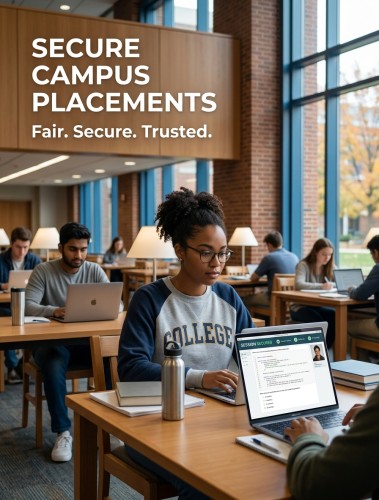
A streamlined check-in process guides candidates through identity verification, room scanning, and system checks with clear on-screen instructions and minimal steps. During the exam, Proctor360's monitoring operates in the background without unnecessary intrusion. Transparency about what is being monitored, and why, reduces anxiety and builds trust with test-takers.
Multi-language interface support and responsive technical assistance during the session ensure that global candidate populations are fully supported. Accessibility is also a core consideration. Proctor360 is designed with WCAG 2.1 compliance in mind, supporting screen readers, adjustable text sizes, and keyboard navigation for candidates with disabilities. A positive exam experience reflects directly on the credibility and reputation of the issuing institution.
10. What support and implementation services are available?
The success of any online proctoring software deployment depends heavily on the quality of support surrounding it. Proctor360 provides dedicated implementation assistance from initial setup through full go-live, including:
- Technical integration support for LMS connections and API configuration
- Administrator training on exam setup, report review, and incident management workflows
- Candidate-facing resources including setup guides, FAQs, and practice exam access
- Responsive technical support for both administrators and test-takers during live exam periods
- Clear escalation paths and defined response-time SLAs for critical incidents
Ongoing operational support ensures that as your exam program evolves, whether through new exam types, new regions, or higher volumes, Proctor360's team remains a consistent resource rather than a one-time vendor.
Conclusion
These online proctoring software FAQs cover the dimensions that matter most when evaluating a solution: security, scalability, compliance, integration, cost, customization, and candidate experience. Proctor360 is built to perform across all of them, delivering exam integrity at global scale without compromising the trust of the candidates who depend on a fair assessment process. Contact Proctor360 to schedule a personalized consultation and see how the platform fits your specific program requirements.

Kranthi Bathula is the Co-Founder and CTO of Proctor360 and an online proctoring and assessment-security expert with extensive experience in EdTech, exam integrity, and AI-enabled test monitoring. He writes about remote proctoring, test security, AI in assessments, live and automated proctoring, and best practices for secure online testing. Through his engineering-driven insights, Kranthi helps educational institutions, certification bodies, and employers make informed decisions to protect the integrity of their exams.