Key takeaways
- Secure proctoring comes down to choosing among AI, live, and record-and-review by exam stakes.
- Implementation is where security is won or lost, so integrations, identity checks, and training all count.
- A layered setup gives you strong coverage without over-monitoring every low-stakes quiz.
The Ultimate Guide to Remote Proctoring Software: Securing High-Stakes Exams in 2026
In an increasingly digital world, how do we ensure the integrity of high-stakes online exams? With the global remote proctoring market projected to reach billions of dollars in the coming years, securing fair and valid assessments has become a critical priority for educational institutions, certification bodies, and corporate training programs alike. Selecting the right remote proctoring software is no longer optional, it is a strategic necessity that requires understanding different technologies, navigating complex compliance environments, and carefully balancing security with a positive candidate experience.
This guide walks through the essential elements of secure online proctoring using Proctor360, from available monitoring methods to implementation best practices and future trends shaping the field.
Understanding Remote Proctoring Technologies
Remote proctoring uses technology to supervise test-takers during online exams, preventing academic dishonesty and preserving assessment validity. Three core approaches exist, each suited to different exam types, stakes levels, and institutional contexts.
AI Proctoring
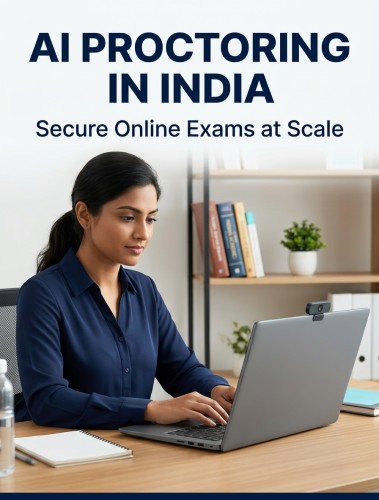
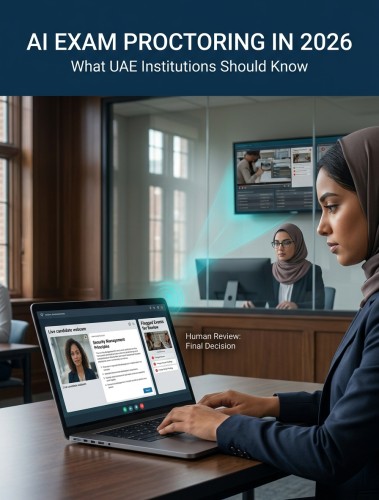
Proctor360's AI proctoring engine uses advanced machine learning algorithms to monitor test-takers automatically throughout the session. The system analyzes webcam video, microphone audio, and screen activity simultaneously, detecting behavioral anomalies such as unauthorized objects in the frame, multiple individuals, unusual eye movements, and suspicious audio patterns. Real-time risk scoring flags potential violations for post-exam human review.
The primary advantage of AI proctoring is scalability. Proctor360 can monitor thousands of concurrent sessions with consistent rule enforcement and no fatigue, a capability that human-only proctoring cannot match at comparable cost.
Live Human Monitoring
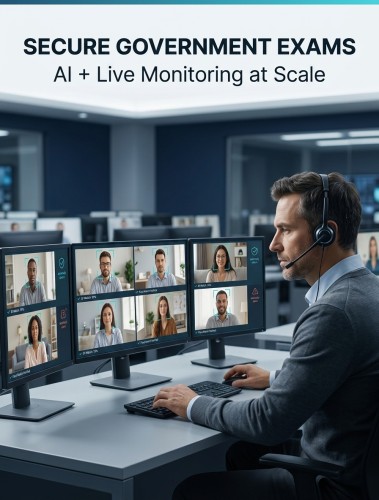
Live proctoring connects test-takers with trained human proctors in real time through webcam and screen share. Proctors can clarify rules, interact with candidates, and intervene immediately when suspicious behavior is observed. This method offers nuanced contextual judgment that AI alone cannot fully replicate and is particularly well-suited for very high-stakes exams where immediate human intervention is essential.
The tradeoff is scalability and cost. A single proctor typically supervises 20 to 30 students, meaning large-volume deployments require significant staffing and scheduling coordination.
Record and Review
Proctor360's record and review model captures full video, audio, and screen activity throughout the exam without a live proctor present. After the session, Proctor360's AI analyzes the recordings and flags anomalies for review by trained human auditors. This approach offers greater scheduling flexibility and lower operational cost than live proctoring, making it a popular choice for medium-stakes assessments where immediate intervention is not required but a thorough post-exam audit trail is essential.
Implementing Remote Proctoring Software: A Step-by-Step Approach
Successful integration of Proctor360 into your existing assessment ecosystem requires careful planning across four key areas.
Change Management and Stakeholder Buy-In
Technology adoption succeeds when people understand and trust the system. Begin with transparent communication to all stakeholders, faculty, administrators, IT staff, and students, addressing concerns about privacy, fairness, and technical complexity directly. Highlight how robust proctoring protects the value of assessments for every honest test-taker.
Pilot programs with smaller groups allow institutions to identify and resolve issues before full deployment. Gathering structured feedback throughout the pilot and demonstrating how that feedback shapes the final configuration builds the trust that drives adoption.
Technical Requirements and LMS Integration
Before deployment, confirm that student devices meet Proctor360's minimum specifications, a stable internet connection, functioning webcam and microphone, and a compatible operating system and browser. Proctor360's pre-exam system check tool helps students verify their setup before the session begins, catching compatibility issues well before exam day.
Proctor360 integrates with Canvas, Moodle, Blackboard, D2L Brightspace, and custom platforms via LTI standards and REST APIs, enabling instructors to schedule and manage proctored exams directly within their existing LMS environment. Grade passback, single sign-on, and user provisioning can all be automated through this integration, significantly reducing administrative workload.
Staff Training
Comprehensive training for all personnel involved in the assessment process is essential. Proctor reviewers need to understand how to interpret flagged events, evaluate context, and follow incident response protocols. Instructors need to know how to configure proctored exam settings within the LMS and access Proctor360's reporting dashboards. IT support teams need troubleshooting procedures for the most common student-facing technical issues.
Proctor360 provides training resources including written guides, video walkthroughs, and live session options. Accessible, ongoing support materials, not just one-time onboarding, are what sustain proficiency and confidence over time.
Security and Compliance Framework
Remote proctoring software operates at the intersection of exam security and data privacy, two areas where the stakes for getting it wrong are high.
Navigating Global Compliance
Proctor360 is designed to support compliance with the major data protection frameworks applicable to online assessment:
Curious how Proctor360 fits your exam program?
See AI, live, multi-cam, and 360° Total View™ proctoring in a quick 30-minute demo.
- FERPA (United States): Student educational records and personally identifiable information are handled in accordance with federal privacy requirements, with configurable data retention policies and role-based access controls.
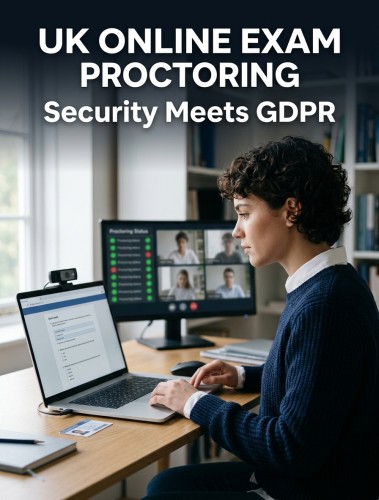
- GDPR (Europe): Explicit consent workflows, data minimization, the right to erasure, and EU data residency options are all supported within Proctor360's platform.
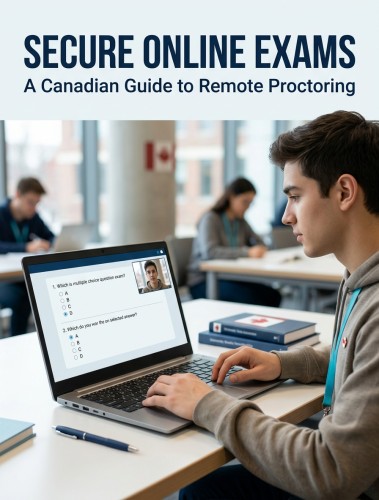
- CCPA (California) and PIPEDA (Canada): Regional data handling requirements are accommodated through configurable processing policies.
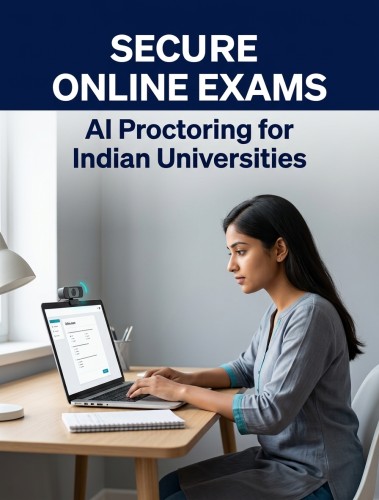
- Middle East and Asia: Proctor360's adaptable framework supports emerging local data sovereignty laws and provides localized storage options where regulations require it.
Data Privacy Best Practices
Proctor360 applies a privacy-by-design approach, data protection is built into the platform architecture rather than added as an afterthought. All data in transit and at rest is encrypted. Access to session recordings and incident reports is restricted to authorized personnel only. Data retention timelines are clearly defined and configurable to match institutional policy. Students receive transparent communication about what data is collected, how it is used, and how long it is retained before the exam begins.
Audit Trails and Documentation
Proctor360 maintains detailed, timestamped logs of all proctoring activity for every session, actions taken, flags generated, reviewer decisions, and system events. These audit trails serve multiple purposes: supporting academic integrity investigations, providing evidence in student appeals, demonstrating compliance to accreditation bodies, and identifying patterns that may indicate weaknesses in exam design or proctoring configuration.
Calculating ROI
The return on investment from Proctor360 extends well beyond direct cost comparisons with physical invigilation.
A thorough total cost of ownership analysis should account for licensing fees, integration costs, staff training, and ongoing support, but also for the savings generated by eliminating physical testing venues, reducing proctor staffing, and automating administrative workflows such as grade passback and incident reporting.
Key performance indicators for measuring success include:
- Reduction in confirmed academic misconduct incidents before and after deployment
- False positive rate for AI-generated flags, Proctor360 targets below 5%
- Exam completion rates without technical disruption
- Student and faculty satisfaction scores collected through regular surveys
- Time savings in administrative incident review processes
Institutions consistently find that improved assessment validity, the confidence that exam results accurately reflect candidate knowledge, delivers returns that extend beyond the financial, strengthening the credibility of credentials and the reputation of the programs issuing them.
Creating Inclusive Assessment Environments
Security and accessibility are not competing priorities, they are complementary requirements of a well-designed proctoring system.
Addressing Test Anxiety
Remote proctoring can heighten anxiety for some candidates, particularly those concerned about privacy or the perceived intrusiveness of monitoring. Proctor360 mitigates this through transparent pre-exam communication that clearly explains what is being monitored, why it is necessary, and how data is protected. A streamlined, guided check-in process reduces friction at the start of the session. Readily accessible technical support throughout the exam means candidates can resolve issues quickly without compounding stress.
Accessibility Features
Proctor360 is built with WCAG 2.1 compliance and ADA alignment, supporting:
- Screen reader compatibility with JAWS, NVDA, and VoiceOver
- Full keyboard navigation without requiring a mouse
- Configurable extended time accommodations that do not trigger false misconduct flags
- High color contrast options and text resizing support
- Compatibility with common assistive technologies including voice control software
Institutions should work with their disability services office during implementation to confirm that all required accommodations are configured correctly within Proctor360 before the first proctored session goes live.
Technical Support
Proctor360 provides 24/7 technical support for both administrators and test-takers during live exam periods. Pre-exam troubleshooting guides, system check tools, and accessible FAQ resources empower candidates to resolve minor issues independently. Clear escalation paths ensure that more complex problems reach the right support tier quickly, minimizing session disruption.
Emerging Technologies in Remote Proctoring
The remote proctoring software landscape continues to evolve rapidly. Several emerging developments are shaping what next-generation solutions will look like:
- Advanced AI behavioral analysis is reducing false positive rates through more nuanced contextual understanding, better distinguishing nervous habits from genuine misconduct and improving accuracy with diverse candidate populations.
- Blockchain-backed credentialing is emerging as a mechanism for creating tamper-proof, immutable records of exam outcomes, significantly increasing trust in digital certifications.
- Biometric authentication evolution is expanding beyond facial recognition to include keystroke dynamics, voice recognition, and behavioral biometrics for more seamless and continuous identity verification throughout the session.
- Predictive analytics will enable platforms to identify higher-risk sessions before misconduct occurs, shifting from reactive flagging to proactive intervention.
Proctor360 actively invests in each of these areas, ensuring its platform remains effective against cheating methods that evolve alongside the technology available to candidates.
Conclusion
Building a future-proof remote proctoring strategy means choosing a solution that is effective today and adaptable to what comes next. Proctor360 delivers across every dimension, AI-powered detection at scale, live and hybrid monitoring options for high-stakes exams, global compliance support, genuine accessibility, and a candidate experience designed to be transparent and low-friction. As online assessments continue to grow in volume and importance, the integrity of every credential issued depends on the strength of the proctoring solution behind it. Contact Proctor360 to explore which approach best fits your institution's assessment program.
Frequently Asked Questions
What are the system requirements for using Proctor360?
Candidates need a stable broadband internet connection, a functioning webcam and microphone, and a compatible desktop or laptop running a supported operating system and modern browser. Proctor360's pre-exam system check tool allows candidates to verify their setup before the session begins. Institutions should communicate minimum specifications clearly and in advance.
How does Proctor360 verify identity and prevent cheating?
Identity verification begins at check-in with AI-powered facial recognition matched against a government-issued photo ID. Continuous identity monitoring throughout the session detects substitutions. Behavioral monitoring, browser lockdown, secondary device detection, and environmental scanning work together to prevent and detect a wide range of cheating methods during the exam.
What privacy concerns should institutions be aware of?
Proctor360 collects video, audio, and screen data necessary for exam integrity. All data is encrypted in transit and at rest. Transparent consent workflows, clearly defined retention policies, and role-based access controls ensure data is handled responsibly and in compliance with GDPR, FERPA, and applicable regional laws. Institutions should provide students with clear privacy disclosures before each proctored session.
Who bears the cost of remote proctoring?
In most institutional deployments, Proctor360 is procured and funded by the institution, providing standardized access for all students without placing the financial burden on individual learners. For professional certification programs, per-exam fees paid by candidates are also common. Proctor360 offers flexible pricing models including volume-based and subscription options.
How are accessibility accommodations handled?
Proctor360 supports extended time, screen reader compatibility, keyboard navigation, and other common accommodations. Institutions configure accommodation settings in advance through the platform's administrative dashboard. Candidates using approved assistive technologies will not trigger false misconduct flags. For situations where the standard platform presents accessibility barriers, alternative assessment arrangements should be discussed with Proctor360's implementation team.
Ready to see Proctor360 in action?
Get a 30-minute demo tailored to your exam type, whether that is AI, live, multi-cam, or 360° Total View™.

Kranthi Bathula is the Co-Founder and CTO of Proctor360 and an online proctoring and assessment-security expert with extensive experience in EdTech, exam integrity, and AI-enabled test monitoring. He writes about remote proctoring, test security, AI in assessments, live and automated proctoring, and best practices for secure online testing. Through his engineering-driven insights, Kranthi helps educational institutions, certification bodies, and employers make informed decisions to protect the integrity of their exams.