Online Proctoring in Remote Learning: Why It Matters
How do we ensure academic integrity and secure assessment environments when students are taking exams from virtually anywhere in the world? As remote education continues to reshape how institutions deliver learning, this question has become one of the most pressing challenges in modern assessment design.
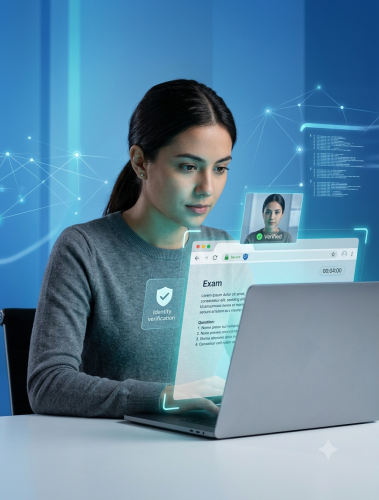
The rise of remote learning has brought unprecedented flexibility to education, yet it has also introduced new vulnerabilities in how exams are administered and monitored. For educational institutions and online assessment companies, safeguarding exam integrity in this digital landscape is no longer optional — it's a foundational requirement. This is where online proctoring in remote learning becomes essential, offering a proven way to maintain fairness, verify identity, and deter misconduct no matter where a test-taker is located.
Proctor360's platform is built to handle exactly this. Between live proctoring, AI-assisted monitoring, and browser-level security tools, Proctor360 gives assessment companies what they need to run exams that hold up to scrutiny — at whatever scale they require.
Understanding Online Proctoring Technologies
Online proctoring covers a range of approaches to verifying identity, monitoring behavior, and catching suspicious activity during a remote exam. The right fit depends on how high-stakes the exam is, what resources the institution has, and what kind of testing environment its students are working from.
Types of Online Proctoring Solutions
Live Online Proctoring
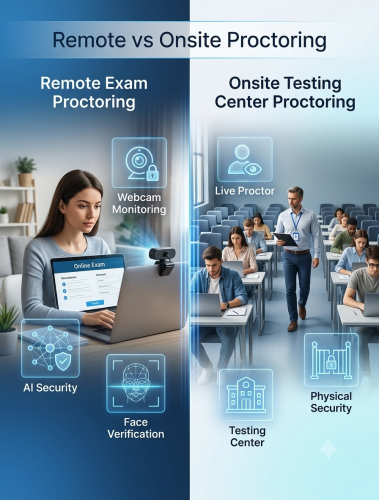
Proctor360's live proctoring connects test-takers with trained human proctors in real time via webcam and microphone. Proctors actively watch the session, can communicate directly with the student, and step in right away if something looks off. This gives institutions the highest level of oversight, which makes it a strong fit for high-stakes certification and licensing exams. Scheduling across time zones takes some planning, but having a real person present tends to discourage misconduct before it starts.
AI-Powered Auto Proctoring
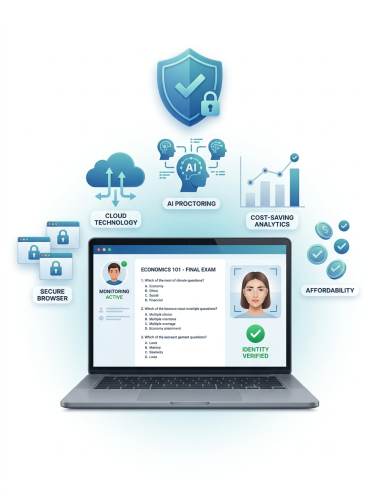
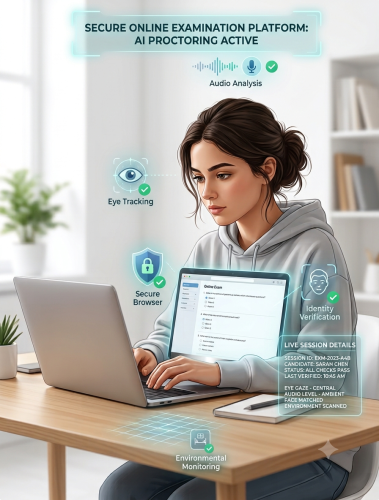
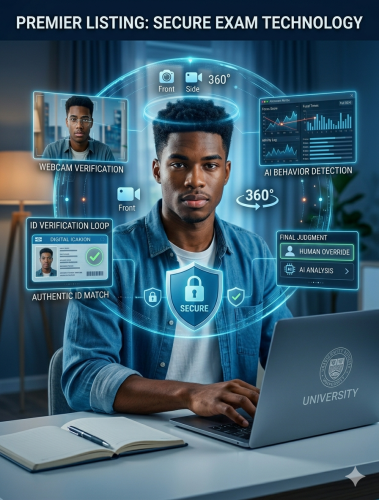
This is Proctor360's fully automated option — no live proctor involved. The system monitors eye movement, flags unauthorized objects in frame, listens for suspicious audio, and confirms the test-taker is present throughout the session through face-presence checks rather than biometric matching. It's built to run thousands of sessions at once, works around the clock, and brings the cost per exam down considerably, which makes it a good match for large-scale testing.
AI Auto Proctoring with Intervention
This tier takes the automated approach a step further by adding a human layer: when the AI flags a potential issue, a trained reviewer looks at it and decides whether it warrants follow-up. It's a middle ground — most of the monitoring runs on its own, but nothing gets treated as misconduct without a person weighing in first.
Multi-Cam Live Proctoring
For exams that need full visibility into the testing space, Proctor360 offers multi-camera live proctoring as a complete way to cover the whole room. It works alongside the patent-pending 360° Total View™ headset — a single device with a built-in camera, microphone, and speaker — giving institutions two equally solid ways to get full-room coverage, depending on their setup and preference.
Institutional SaaS Remote Proctoring
Larger institutions that want to run and manage their own proctoring program can do so through Proctor360's SaaS offering, which puts the platform's tools directly in their hands rather than relying on a fully managed service.
Key Technological Components
A handful of core technologies work together across Proctor360's platform, regardless of which proctoring tier an institution chooses:
Face-presence confirmation:
The system checks that a person is actually present in front of the camera at check-in and at intervals during the exam. This is a presence check, not facial recognition or biometric matching — a distinction that matters for both privacy and Proctor360's commitment to reducing bias.
Environmental scanning
A guided room scan before the exam begins lets proctors confirm the space is free of unauthorized materials or other people.
Browser-level monitoring
Proctor360's Chrome and Edge extension manages webcam, microphone, and screen-share permissions, watches for tab-switching or restricted browser activity, and supports communication with a proctor — all within the browser itself. It doesn't take control of the operating system or lock down the device; the monitoring happens at the browser level, not the OS level.
Browser-Level Monitoring: What It Does and Doesn't Do
- Proctor360's exam security tool is a browser extension for Chrome and Edge — not a lockdown browser and not a tool that takes over the operating system. Everything it does happens within the scope of the browser itself, which is an important distinction for both students and institutions to understand.
What the extension can do:
- Manage webcam, microphone, and screen-share permissions for the exam session
- Monitor tab-switching, so if a student navigates away to another tab, that activity is flagged
- Detect restricted browser activity, such as opening new windows or attempting to access unauthorized sites during the exam
- Watch for browser-based copy-paste actions within the exam window, flagging attempts to paste content into exam fields from outside sources
- Support direct communication with a live proctor when one is present
- Restrict certain browser functions during the exam, like right-click menus or keyboard shortcuts tied to browser navigation
What the extension does not do:
- It doesn't control or monitor the operating system itself — it has no visibility into other applications running outside the browser
- It doesn't lock down the device or prevent a student from opening other software
- It can't see or restrict clipboard activity that happens entirely outside the browser (for example, copying from a document open in a separate application, outside the exam tab)
- It isn't a full system proctoring tool — it works alongside webcam/mic monitoring and live or AI-based proctoring to build a complete picture, rather than doing that job on its own
TestPro360 and the Voucher System
These support exam access and distribution, giving institutions more flexibility in how test credentials are issued and managed.
Online Proctoring in Remote Learning: Regional Strategies
Rolling out online proctoring in remote learning looks different depending on the region, and Proctor360's platform is built with that in mind.
North America
This is a mature market with strong internet infrastructure and established EdTech systems. Proctor360 integrates directly with Canvas, Moodle, Blackboard, and Brightspace, and is built to support FERPA compliance for U.S. institutions and certification bodies.
Europe
GDPR shapes nearly everything about how student data is handled here. Proctor360 supports transparent consent practices and gives institutions flexibility around where and how data is processed, which matters when working across different national education systems.
Middle East
This region is moving quickly on digital transformation, often with more variable internet conditions than North America or Europe. Proctor360's approach accounts for that reality rather than assuming ideal bandwidth everywhere.
Asia
High testing volumes and heavy mobile usage define this market. Proctor360's platform is built to handle both without requiring the high-end hardware some competitors assume students will have.
Technical Integration and Scalability
For online proctoring in remote learning to actually work day to day, it needs to fit into the systems institutions already rely on. Proctor360 connects through standard APIs, so scheduling, user syncing, and results transfer can happen automatically instead of eating up staff time. LTI compatibility means instructors can launch a proctored exam directly from their LMS without extra steps.
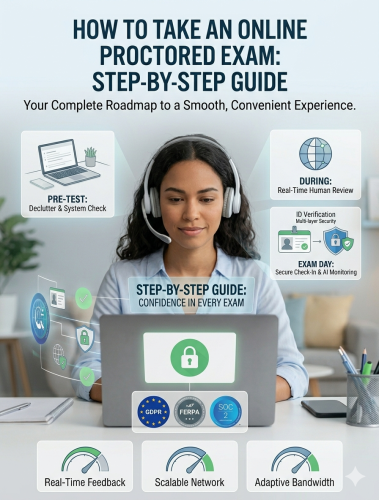
During busy periods — finals, certification windows, large enrollment cycles — the platform is built to handle a high volume of simultaneous sessions without slowing down. A pre-exam check lets students confirm their camera, microphone, and connection are working properly ahead of time, which cuts down on last-minute technical problems.
Security and Compliance
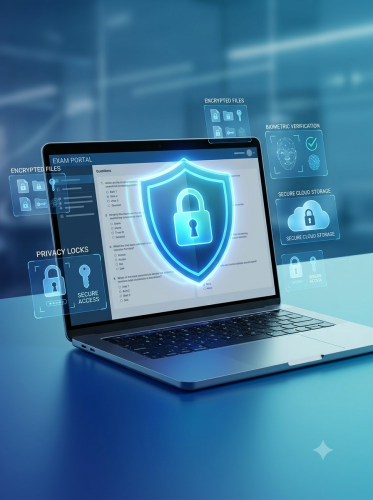
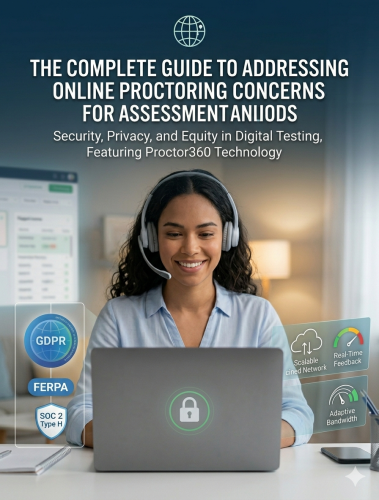
Security works on more than one level. Proctor360 encrypts data both in transit and at rest, keeps access tightly controlled, and aligns its practices with recognized frameworks including SOC 2, FERPA, GDPR, and WCAG for accessibility. When something suspicious comes up mid-session, it gets flagged and documented, giving institutions a clear record to review afterward.
User Experience and Adoption
Even the most secure platform falls flat if students find it confusing or stressful to use. Proctor360's check-in process — identity verification, room scan, system check — is designed to move quickly and stay clear, without unnecessary friction.
If something comes up during a live-proctored session, students can message their proctor directly and escalate to a call or online meeting if needed. Outside of live sessions, a chatbot handles initial questions and routes anything unresolved to the support team by email, and students can always reach out directly at proctor360.com/contact.
Fairness is built into the process, too. Proctor360 regularly reviews and recalibrates its systems to reduce bias tied to lighting, appearance, or other factors that have nothing to do with actual exam conduct, and human reviewers follow consistent standards when making judgment calls.
ROI and Business Impact
For assessment companies, online proctoring in remote learning is as much a business decision as a security one. Cutting out physical testing centers reduces overhead, removes travel costs, and takes a lot of the manual work out of reporting. For high-volume programs, the automated tiers bring the cost per exam down significantly while still keeping the oversight that protects the value of the credential being issued.
Institutions typically track things like flagged-incident rates, student satisfaction, and how fast technical issues get resolved. Over time, that data makes a strong case — both internally and to accreditation bodies — that a program is secure, fair, and well-run.
Future Trends in Online Proctoring
The field keeps moving. Expect more sophisticated behavioral analysis, tighter integration between automated monitoring and human review, and growing attention to accessibility. Beyond traditional academics, remote proctoring is expanding into professional certifications, corporate training, and government licensing — opening up room for providers who can adapt across sectors.
Conclusion
Online proctoring in remote learning has moved from emerging technology to essential infrastructure. Assessment companies that invest in secure, well-designed platforms like Proctor360 — built around real compliance, transparency, and a genuinely good student experience — are the ones best positioned to lead as digital education keeps growing. The integrity of every credential issued depends on it.